Why a Barcode Scans From a Phone but Not From a Garmin Watch
When the same code works on a phone but fails on a watch, the display is not always the problem.
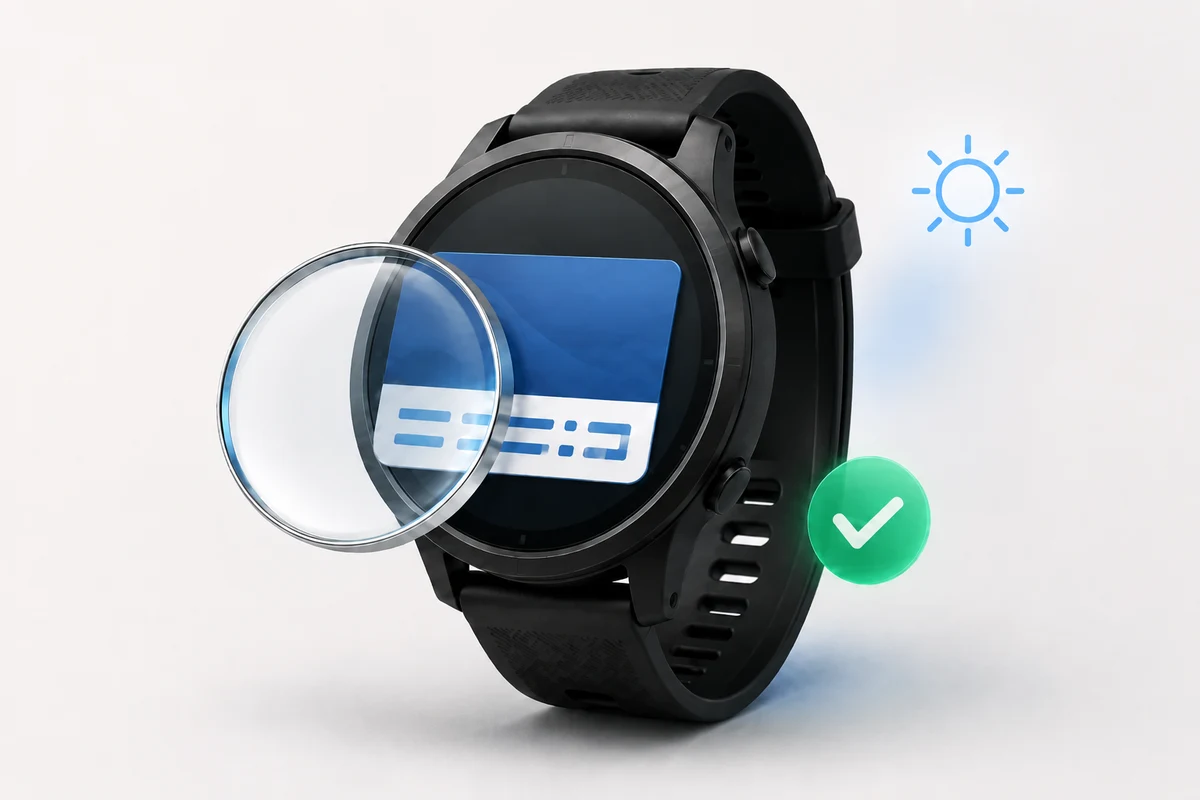
The frustrating part is how close everything can look to working. The barcode is visible on the Garmin watch. Another phone can read it. The name and number appear correct. Then the scanner at a gym entrance, checkout, or club desk refuses it.
That does not automatically mean a Garmin display cannot show barcodes. It usually means that one part of the chain does not match what the receiving system expects.
Check the data inside the code
A phone camera is an unusually forgiving scanner. It can refocus, adjust exposure, try several barcode formats, and recover information from an imperfect image. A fixed retail or access reader is much less flexible. It may accept only one format, at one distance, with an exact value already registered in its system.
A successful scan with a phone is useful, but not conclusive. It shows that there is readable data on the watch. It does not show that the real reader accepts that data as a valid membership, ticket, or account.
Small differences matter. A missing leading zero may point to another identifier. A character copied from the number printed below the barcode may not be part of the encoded value. In other cases, the printed number is only a shortened reference while the barcode contains a longer internal record.
The safest starting point is the original card or official app. Decode the complete value from the code itself and keep it exactly as it appears, including zeroes, punctuation, and capitalisation.
QR is not a universal replacement
One of the most common mistakes is turning every card number into a QR code. The new QR image may be valid, but the scanner can still reject it because the organisation expects a different barcode format.
A gym card may use Code 128. A retail loyalty card may use EAN-13 or UPC-A. An older club card may use Code 39. Some travel and access cards use Aztec. The format is part of the card identity, not merely a visual preference. The guide to boarding passes and tickets on Garmin explains the differences between ticket formats.
Reproduce the original format instead of choosing whichever symbol is easiest to generate. If the source is a physical card, a reader that reports both the decoded value and the format is more useful than a camera app that shows only the text.
Changing codes create a different problem
Some cards are static. Their value remains unchanged for months or years, making them good candidates for a watch wallet. Others are generated by an official app and change every time the app opens or after a short interval.
A copied dynamic code can pass an immediate test and fail later. Nothing is wrong with the watch image; the token has expired. If the original code changes, the official app remains the correct place to use it.
Open the original code, note its value, and open it again later. If the value is unchanged, it is likely suitable for an offline wallet. If it rotates, treat a saved copy as temporary at best.
Check the display and scanner
Garmin watches use different display technologies and sizes. Bright AMOLED screens, reflective MIP displays, and compact Instinct screens can all present usable codes, but the symbol must remain complete and clear.
The code needs a clean white border, strong contrast, and enough space for its lines or squares to stay separate. Screen brightness, reflections, the angle of the wrist, and the reader’s focal distance can affect the result. Moving the watch slowly toward and away from the scanner often works better than pressing it against the glass.
Even with ideal rendering, no watch app can force an operator’s scanner to support a format or accept an unregistered value. The final test must happen at the real checkout, gate, or reception desk.
A better way to solve the problem
Start with the original card rather than a screenshot of a copy. Recover the exact encoded value, identify the original format, and confirm that the value stays the same. Use the loyalty and membership card setup guide to add it to the watch, sync it, and compare the displayed result with the source.
For the first real scan, keep the physical card or official app available. If the watch works, the fallback can stay at home next time. If it does not, the failed test becomes useful information: the value, format, display, and receiving system can be checked separately instead of generating new images at random.
What WalletPro supports
Saved cards remain on the watch after synchronisation, so a gym membership, loyalty card, club ID, parkrun code, or compatible access pass can be ready without opening a phone. The app cannot guarantee acceptance by every scanner, refresh dynamic retailer tokens, or replace an issuer’s account system. It can remove the avoidable mismatch between the original static code and the symbol shown on the wrist.
WalletPro is available in the Garmin Connect IQ Store.
When a barcode scans from a phone but not from a Garmin watch, changing the image blindly is rarely the answer. Start with the identity of the card. Once the value, format, display, and scanner agree, the watch becomes the quickest place to keep it.