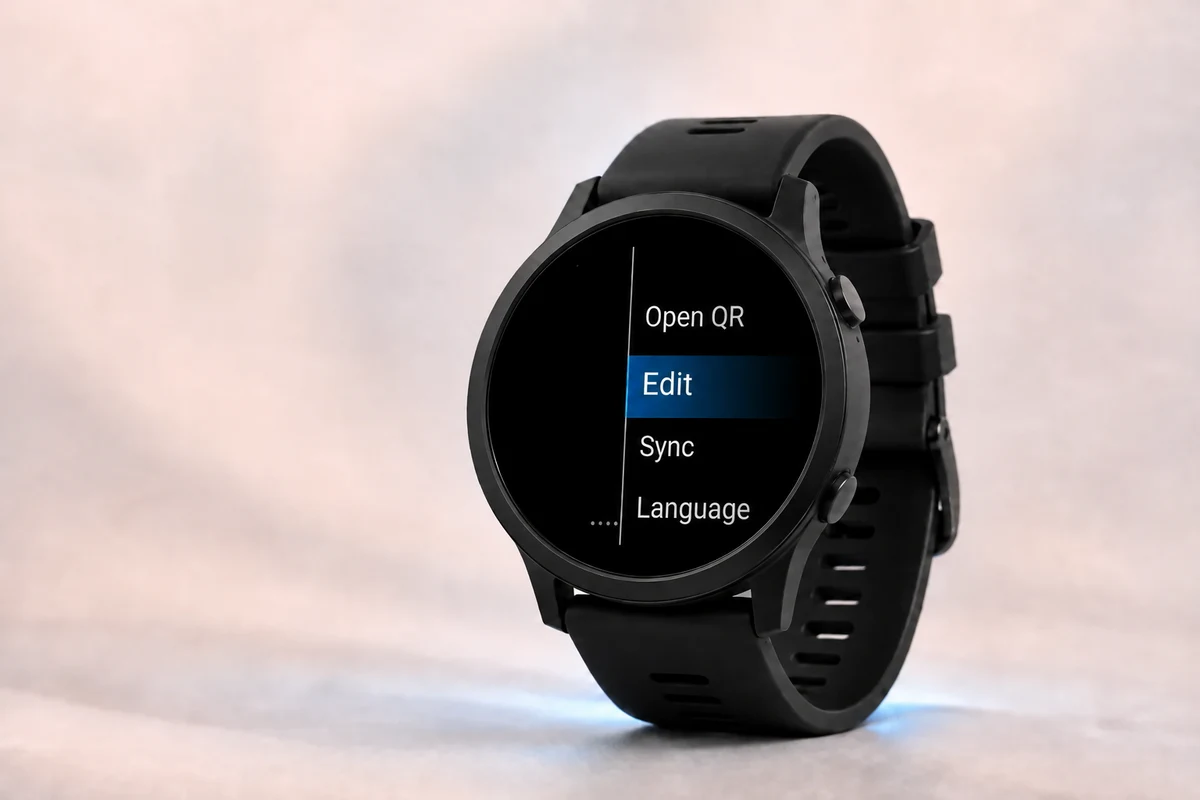
Add, edit, and delete cards.
WalletPro cards are managed through Garmin Connect IQ settings or directly from the watch. After sync, the watch keeps the cards available offline.
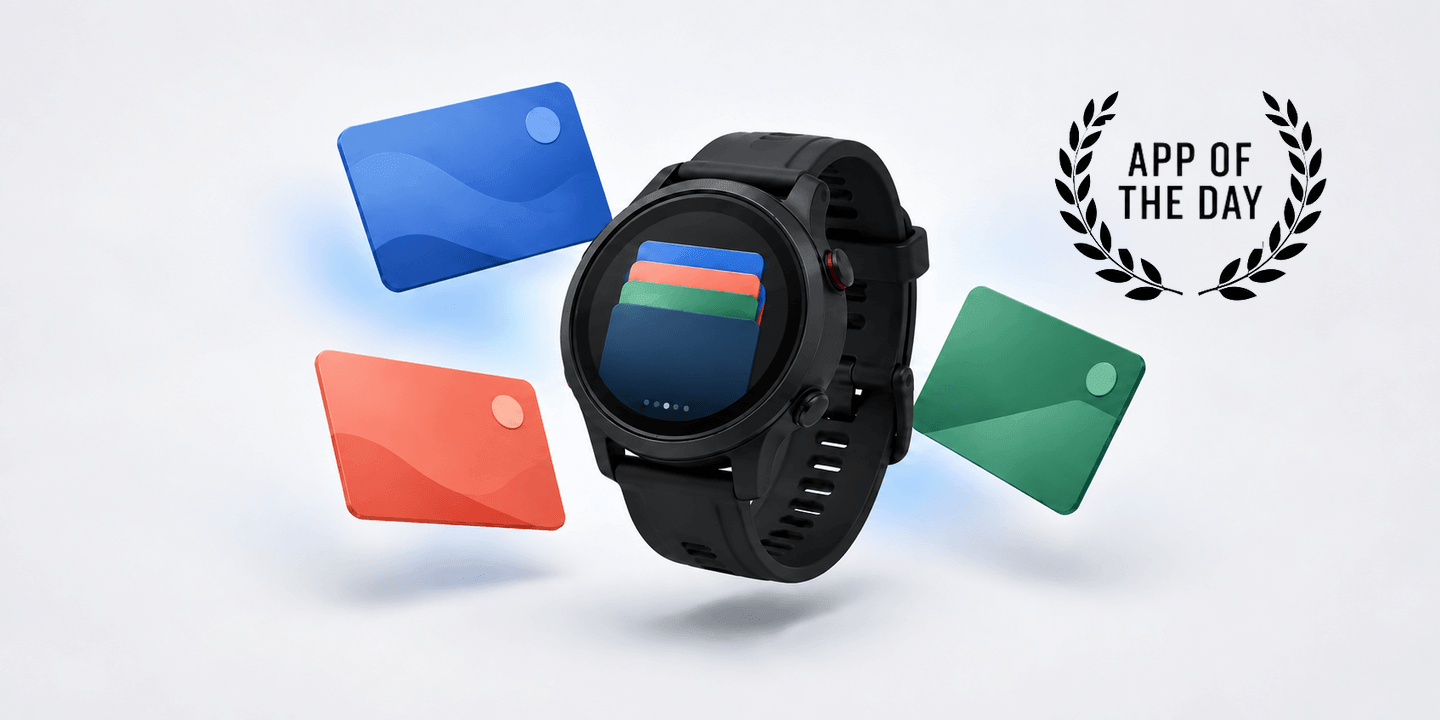
Read the articleLoyalty cards, tickets, and codes on your Garmin watch. Practical WalletPro setup guides and help with codes that will not scan.
Blog
WalletPro cards are managed through Garmin Connect IQ settings or directly from the watch. After sync, the watch keeps the cards available offline.
Read the article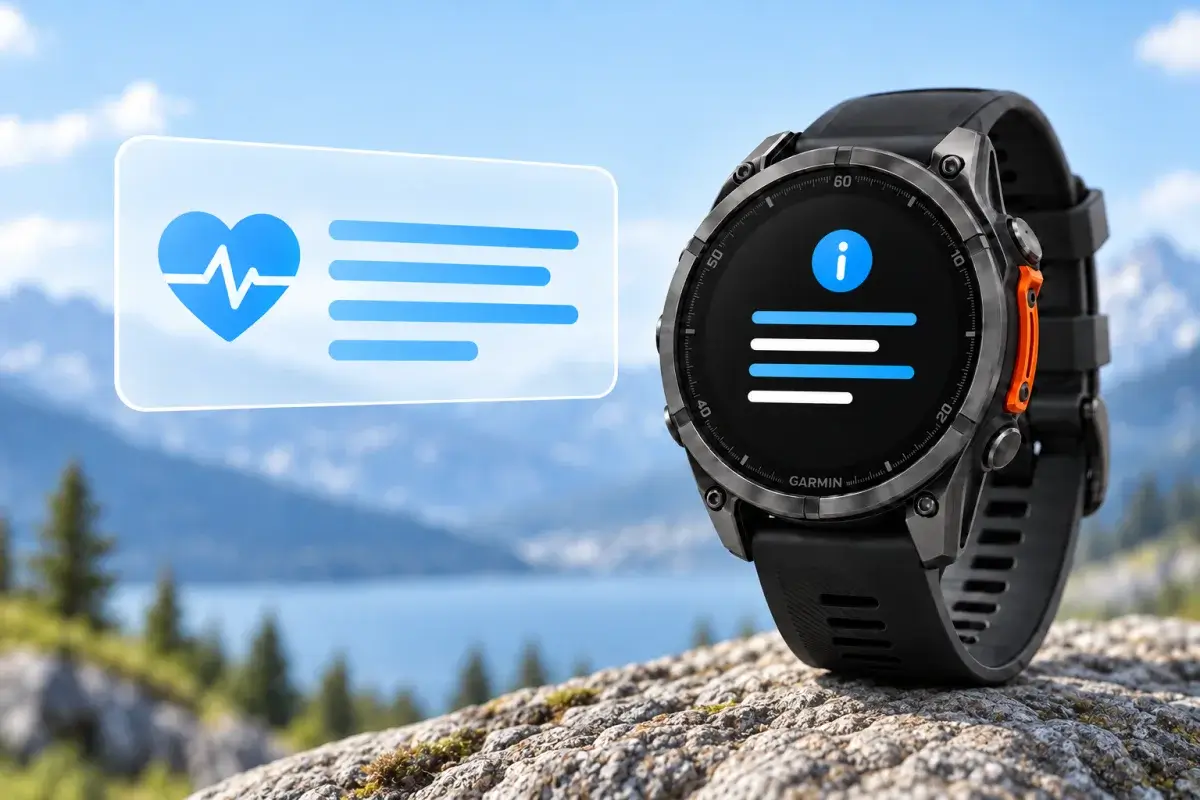
Set up a readable emergency Note and, if needed, a separate plain-text QR card in WalletPro. See what to include, how to test it, and what each option can do.
Read the article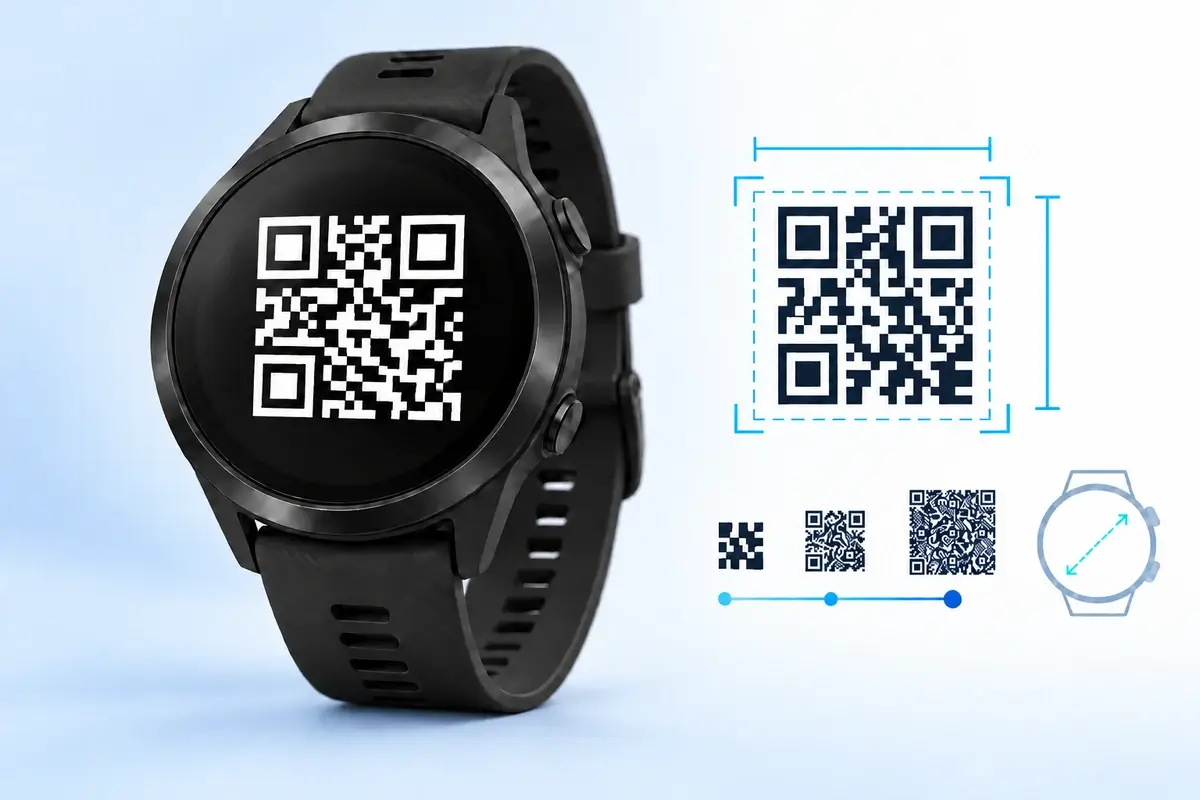
Compare WalletPro's 512-character storage with practical scan limits for QR, Code 128, Code 39, Aztec, EAN-13, UPC-A, EAN-8, Codabar, Data Matrix, and PDF417.
Read the article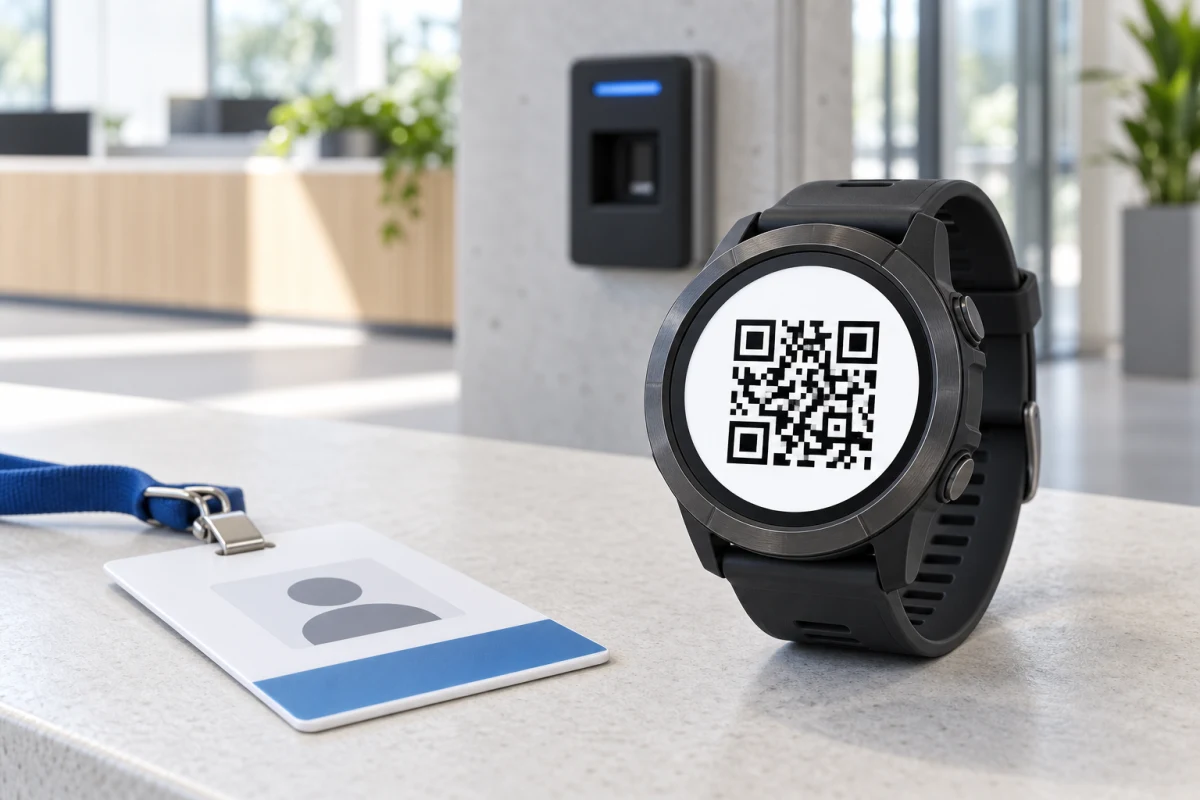
Learn when a workplace QR code or barcode can work on Garmin, and why RFID, NFC, magnetic stripes, dynamic tokens, PINs, and biometric time clocks usually cannot.
Read the article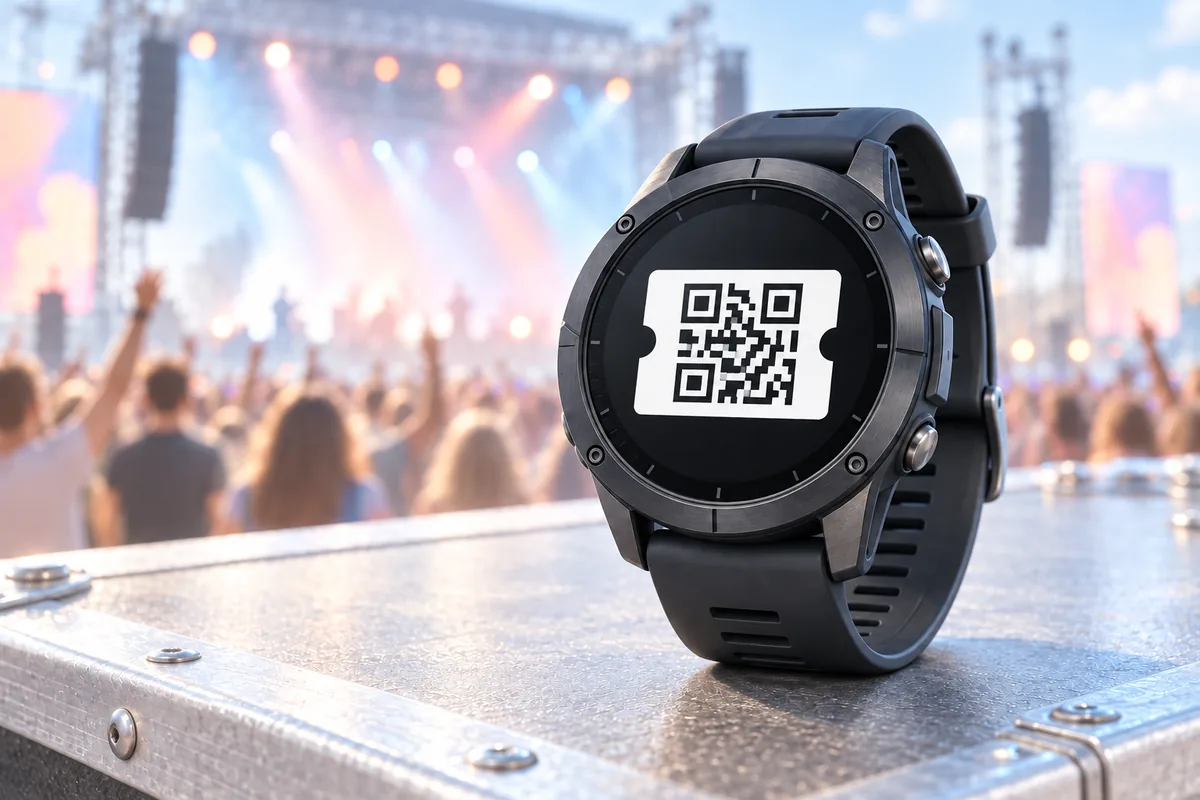
Learn which concert ticket codes can work on a Garmin watch, how static QR and Aztec tickets differ from changing passes, and how to prepare a safe backup.
Read the article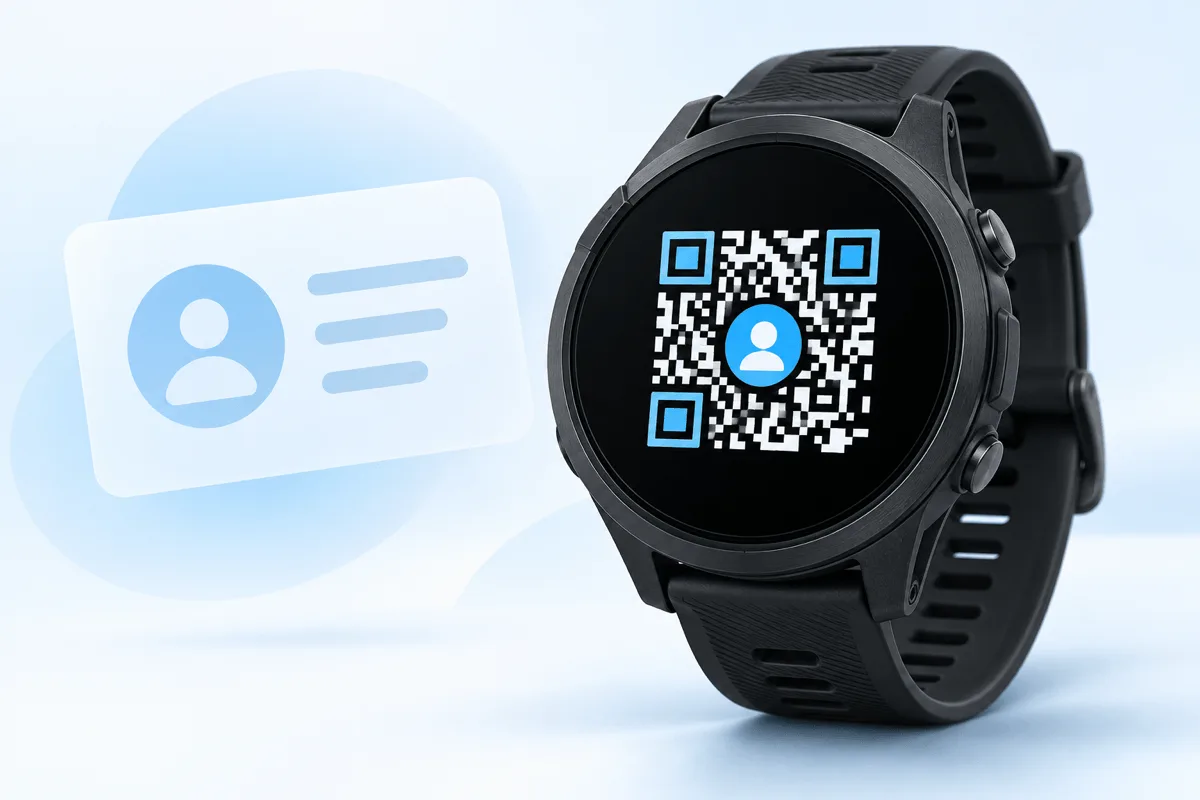
Learn how to turn your contact details into a vCard QR code and save the decoded contact data in WalletPro for quick sharing from a Garmin watch.
Read the article
Learn which loyalty cards, gym passes, and membership barcodes can work on a Garmin watch, why the original format matters, and how to test them safely.
Read the article
Learn how static QR, Aztec, and PDF417 boarding passes differ, how to preserve the original code, and when to keep the official ticket.
Read the article
Find the real reason a QR code or barcode reads on a phone but fails at a gym, shop, or gate, and learn how to fix the value, format, and display.
Read the article