Can You Put a Boarding Pass or Ticket on a Garmin Watch?
When WalletPro supports the original format, a static ticket can be kept on a Garmin watch as a useful offline backup.
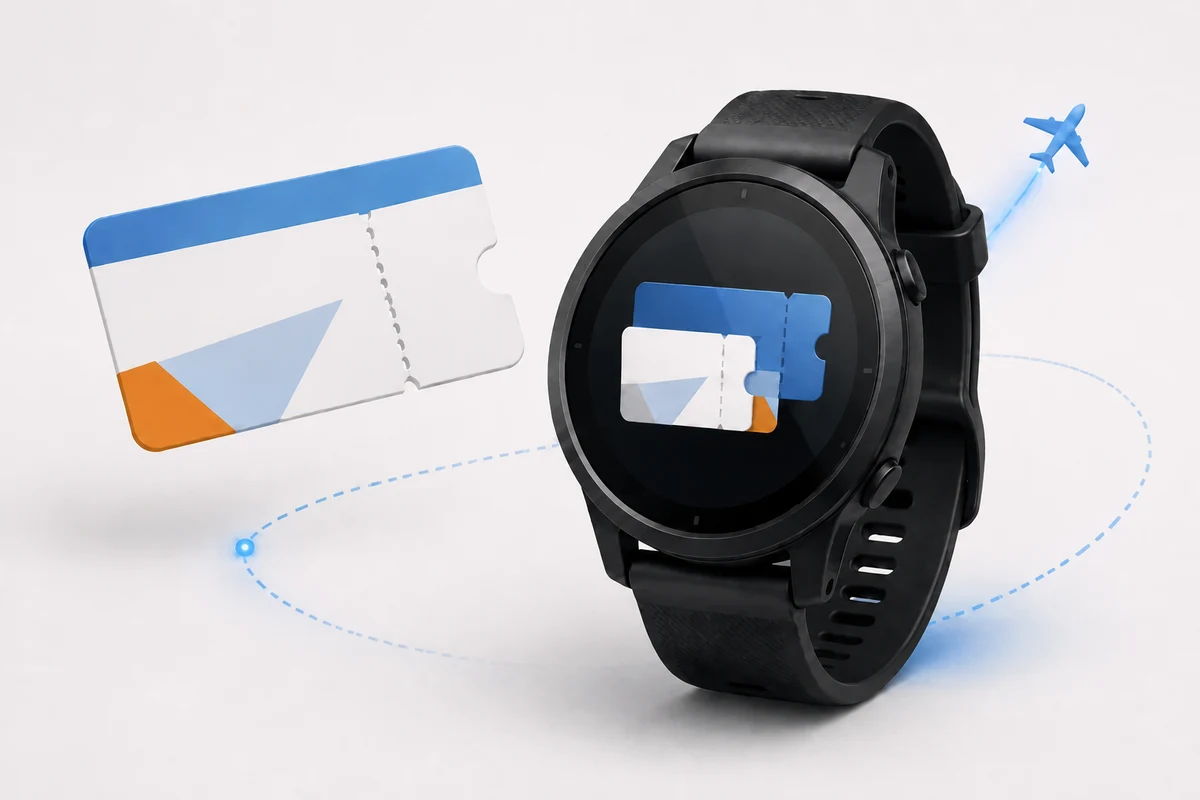
The idea is attractive for an obvious reason. The queue is moving and the ticket is buried in an email or an issuer’s service. A code already waiting on the wrist removes several small delays at once.
For certain tickets, that is possible. For others, copying the visible image is not enough.
Not every ticket is a QR code
Square codes are easy to group together, but several unrelated formats are used for travel, events, and access. A familiar QR code has three large markers in its corners. An Aztec code is built around a square target in the centre and is common on some transport and event tickets. PDF417 looks like a wide block of stacked lines and is widely used on airline boarding passes. Data Matrix uses a solid L-shaped border around a compact grid.
These formats are not interchangeable. Converting the text from an Aztec or PDF417 ticket into QR produces a valid QR code, but not necessarily a ticket the gate understands. The scanner may be configured for the original symbol, and the payload may follow rules specific to the issuer.
Before saving a ticket to a Garmin watch, identify the original format and make sure WalletPro supports it. Choose the type printed by the original card: Code 128, Aztec, EAN-13, EAN-8, Code 39, UPC-A, Codabar, Data Matrix, or PDF417. The original card provider determines which format it uses.
When the ticket is an image
Read the code itself, not the text printed on the ticket.
- Use a browser decoder with an Upload image or Choose file control that explicitly supports the detected format.
- Select the original ticket image, then start processing with a button such as
Decode,Read, orScan. Do not add filters or crop right up to the code; keep its white border. - The result must show the code format and the complete decoded value. OCR text and the visible ticket number are not the code data.
- Open WalletPro Settings in Garmin Connect IQ, add or edit a card, choose the detected format, paste the value without changing it, then synchronise the watch. Paste a long value here instead of typing it on the watch.
The best candidate is a code that stays the same
Static event tickets, simple access passes, and some tickets can work well because their encoded value does not change. Once saved, the same code can remain on the watch and be opened without an internet connection.
Airline and transport systems are often more complicated. A boarding pass may be updated after check-in, a gate change, a seat change, or a security decision. Some operators rotate the visible code or require the latest version from their own app.
Compare the original code at different times. If the decoded value remains identical, the watch copy has a reasonable chance of working as an offline backup. If it changes, the official app must remain the source of truth.
Keep the original ticket available
Adding a ticket before leaving home is better than trying to reconstruct it at the gate. Preserve the complete decoded value, choose the original format, sync the watch, and compare the result with the official ticket. The WalletPro card editing guide explains the fields and input methods.
The first test should always happen with the official ticket still available. Only the real gate, turnstile, or ticket desk can show whether the operator accepts the payload. If it rejects the copy, start with the data and barcode format checks.
This matters most for flights, border control, and time-sensitive travel. A watch can be a convenient second copy, but it should not replace the only authoritative boarding pass until the same route and operator have accepted it in practice.
Why the Garmin watch is still worth trying
For a compatible static ticket, the experience is excellent precisely because it is so ordinary. Open the wallet, select the card, and present the wrist. There is no notification to dismiss, no screen rotation, and no need to search an inbox while people wait behind you.
Event entry, club access, parking passes, and simple visitor codes are often better candidates than highly managed airline passes. The code is close at hand, stays available after synchronisation, and can serve as a useful fallback while the original ticket takes time to open.
What WalletPro supports
WalletPro saves the complete original code value for a static ticket in a supported format and displays it offline after sync. If the ticket depends on live account data or a changing token, keep the official ticket app available.
For a long value, use Settings in Garmin Connect IQ to paste it instead of typing it directly on the watch.
WalletPro is available in the Garmin Connect IQ Store.
A boarding pass or ticket works on a Garmin watch when the original format is supported, the complete value is preserved, the code remains static, and the operator accepts screen-based scanning. When those conditions align, the watch becomes a genuinely useful second place to keep the ticket.